PTERI Mobile Wallet
The mobile experience for iPhone, iPad, and Android. Use the current production release for supported wallet, identity, and signing workflows.
Use PTERI Mobile Wallet on iPhone, iPad, and Android. Use PTERI Web Wallet in a supported desktop browser. Both connect customers to supported PTERI signing and wallet workflows.


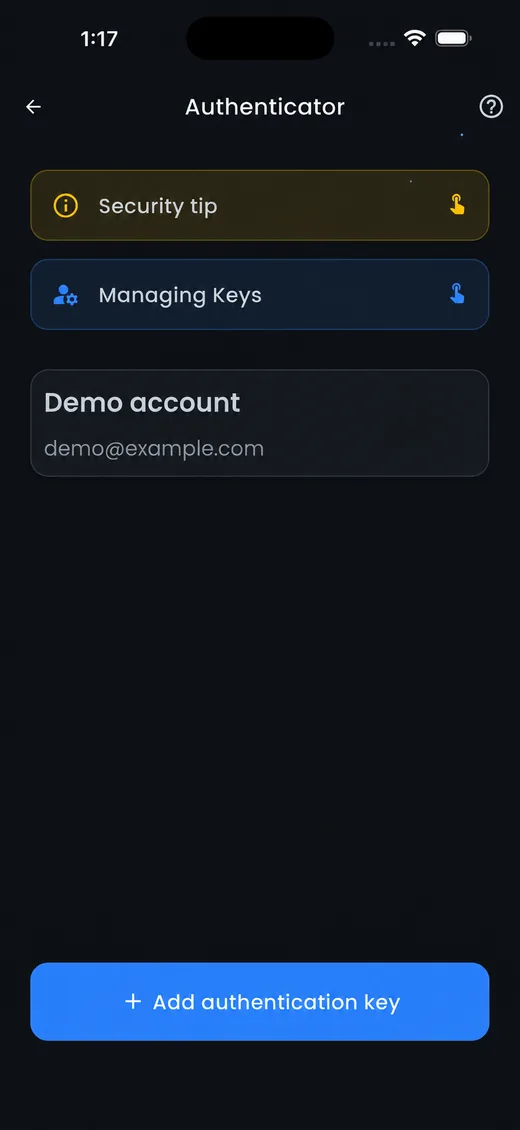
The mobile experience for iPhone, iPad, and Android. Use the current production release for supported wallet, identity, and signing workflows.
Launch the wallet in a supported browser, create a new web wallet, or restore a compatible wallet using recovery material. Verify the domain before creating or importing.
Review supported identity and action requests, understand the requested scope, and sign only after verifying the application and action details.
Integration guide ↗The wallet is the user-controlled interface for supported PTERI identity, authorization, and signing workflows. The requesting application still enforces its own policy and final decision.
Use the supported wallet identity for the person or approved signing participant.
Check the application, action, value, destination, and expiry presented in the request.
Produce a fresh signature only after confirming what the application is asking you to authorize.
The application verifies the result and applies its own access or transaction policy.
Never enter a recovery phrase into an unexpected site, message, support conversation, or application.
Use the official links on this page and confirm the domain or store publisher before installing or importing.
Review the identity, action, value, destination, and expiry presented before signing.
For setup, compatibility, security, or recovery guidance, consult the current documentation or open a support request.